 ESP32-S3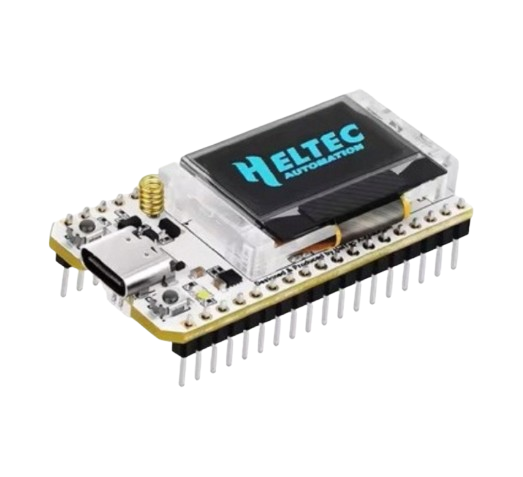
1. Pick a board
Any ESP32 works. These are the variants the web flasher builds for:
| Board | Notes |
|---|---|
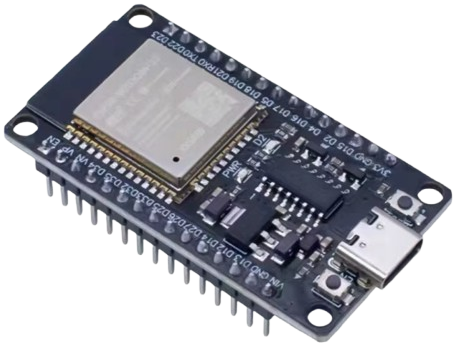
| ESP32 (WROOM) | The classic — cheapest, everywhere |
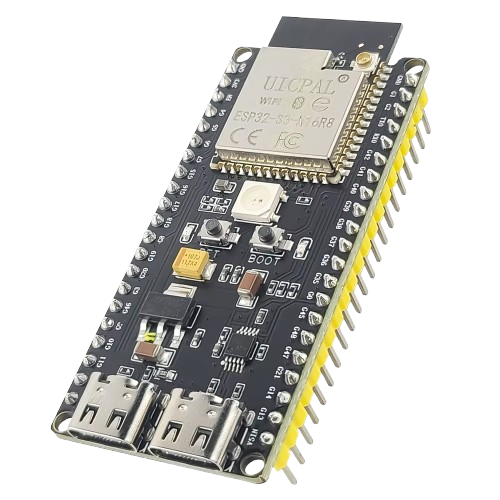
| ESP32-S3 | Faster, more RAM; recommended for new nodes |
| ESP32-S3 N16R8 | S3 with 16 MB flash / 8 MB octal PSRAM |
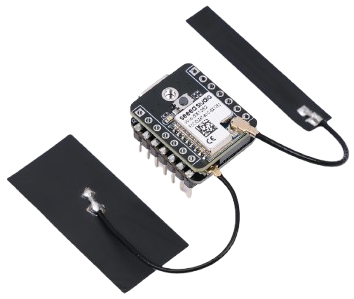
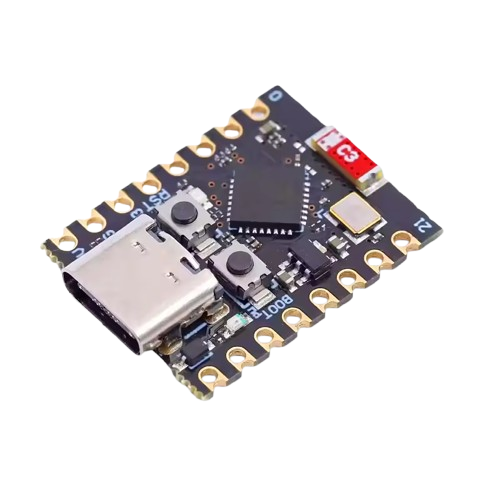
| ESP32-C3 | Tiny, low power |
| ESP32-S3 + LoRa (SX1262) | Heltec V3 / LilyGo style boards — needed for LoRa |
About $3–$8, under one watt. Nothing else is required — no hub, no sensors (you can add them later).
2. Flash it from your browser
- Open sensmos.com/flash in Chrome or Edge (Web Serial is not available in Firefox/Safari).
- Plug the board in with a data USB cable, pick your board tile, click Flash.
- Wait for "done" (about a minute). The board reboots into the Sensmos firmware.
A web flash erases everything on the board, including a previous node identity — that is expected on a fresh board.
3. Install the app
The Android app is published on GitHub — latest release — and updates itself afterwards. It creates your wallet on first start; back it up when the app asks (you can also store an encrypted backup on your node later).
4. Add the node over Bluetooth
- App → Add node. The app scans for the board over Bluetooth.
- Enter your Wi-Fi and a PIN for the node (the PIN protects the node's local API).
- The app confirms the node's location with your phone's GPS ("attestation"). This is what lets the node earn; the public map only shows a blurred position, and you can hide the node entirely (ghost mode).
The identity is generated on the board. The app registers it under your wallet. No account is created anywhere.
5. It's live
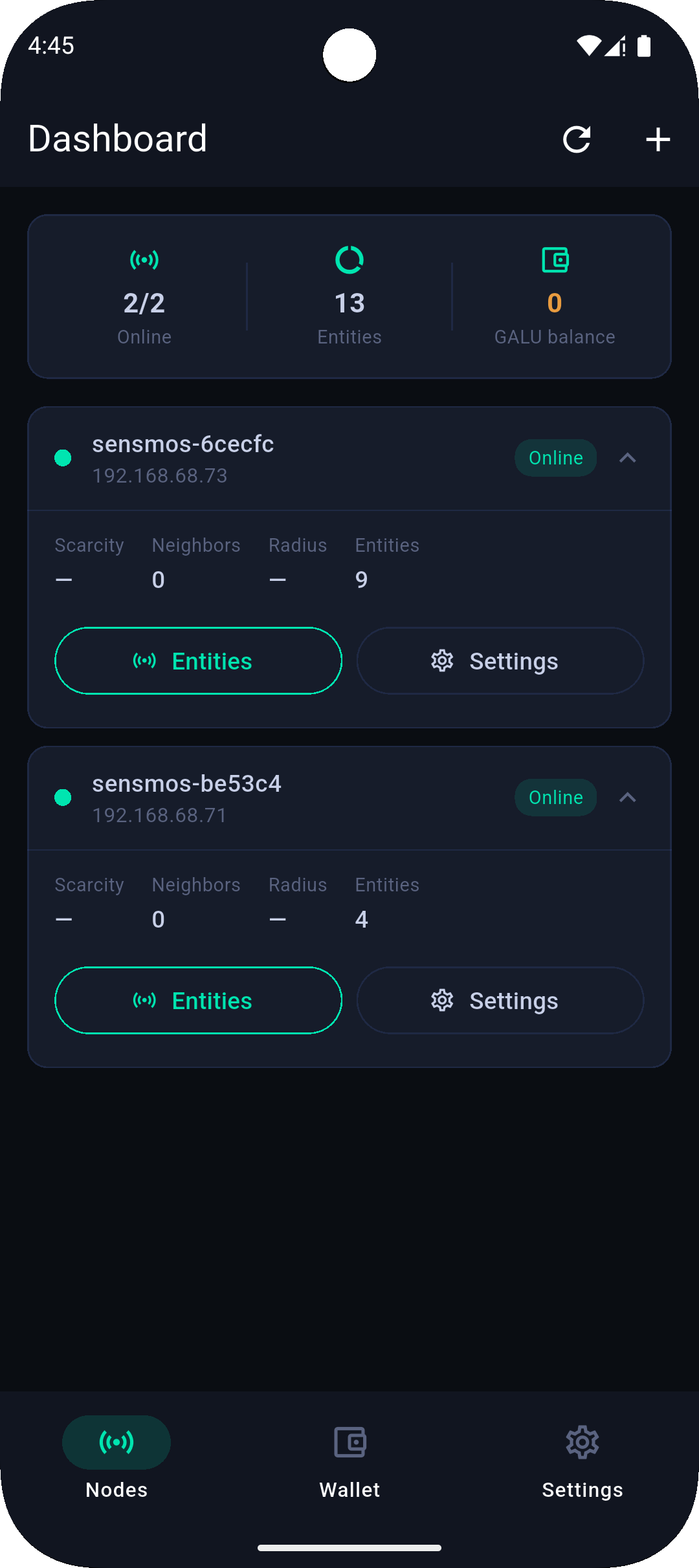
Within a minute the node shows on the map and in the app. From here, every feature is a switch in the app:
- Remote access — pair the phone once on the node's Wi-Fi, then reach your LAN from anywhere.
- Home Assistant — install the HACS integration and point it at the node's IP.
- LoRa — if you flashed a LoRa board, choose up to four emergency readings.
- Automations — scripts, fetch-to-sensor, push.
Rewards start after roughly four hours online in a day. You do not need to do anything for that.
Already have a LoRaWAN gateway?
Your gateway can hear for the network — and earn.
Add sensmos.com:1700 to its packet forwarder and pair the gateway with your wallet in the app: it gets its own card, transmits a coverage beacon every 5 minutes and earns like a node with weight 0.3. Prefer not to touch the gateway? A passive script on it reports what it hears, vouched for by a Sensmos node on the same LAN. Either way, every emergency broadcast or sensor frame it hears reaches its owner.
Something is not working?
The answers below cover most first-day questions. Anything else: the node's own page at its LAN IP shows what it is doing, and the Discord is quick.